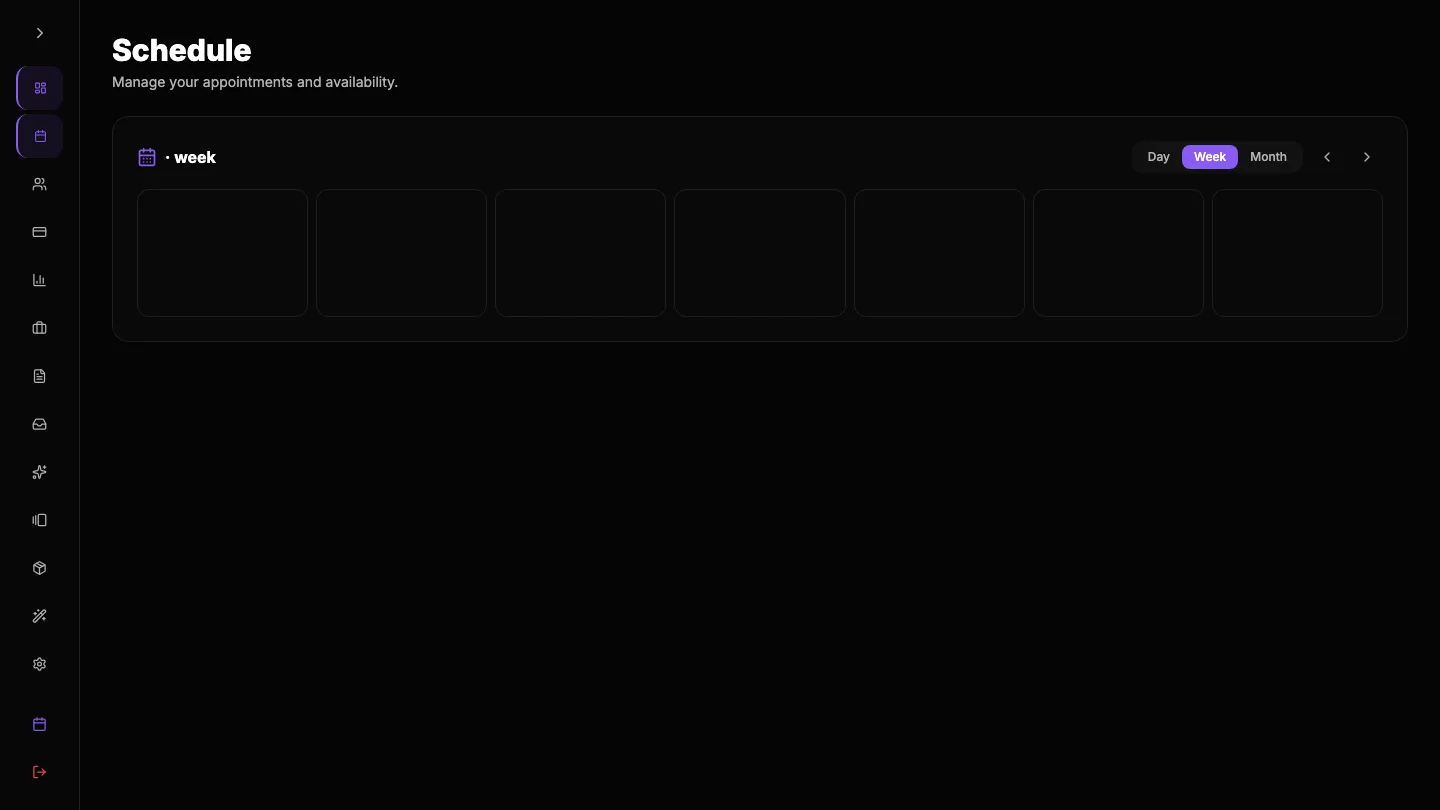
Two options artists often weigh are Inky and ROXO Hub. Both can help you run the business side of tattooing, but they're built from very different starting points - and the one that fits depends on whether you want a general-purpose booking tool or one purpose-built for a freelance tattoo artist.
ROXO Hub is a tattoo-industry platform built around a simple promise: a flat monthly price, no commission on your earnings, and tools for artists who bring their own clients. Inky used to make exactly that promise - we've now traded the flat price for a free plan with a smaller client-paid booking fee, so this comparison is about which pricing shape fits how you work.
What are the advantages of ROXO Hub?
- Tattoo-specific, so the vocabulary and workflows are close to home.
- Flat, predictable pricing with no commission - around $39.99/month (pricing verified Sep 2026 via ROXO Hub's published pricing).
- Built around the artist-driven model: your clients, your bookings.
How does Inky compare?
The philosophy is the same; the product shape differs:
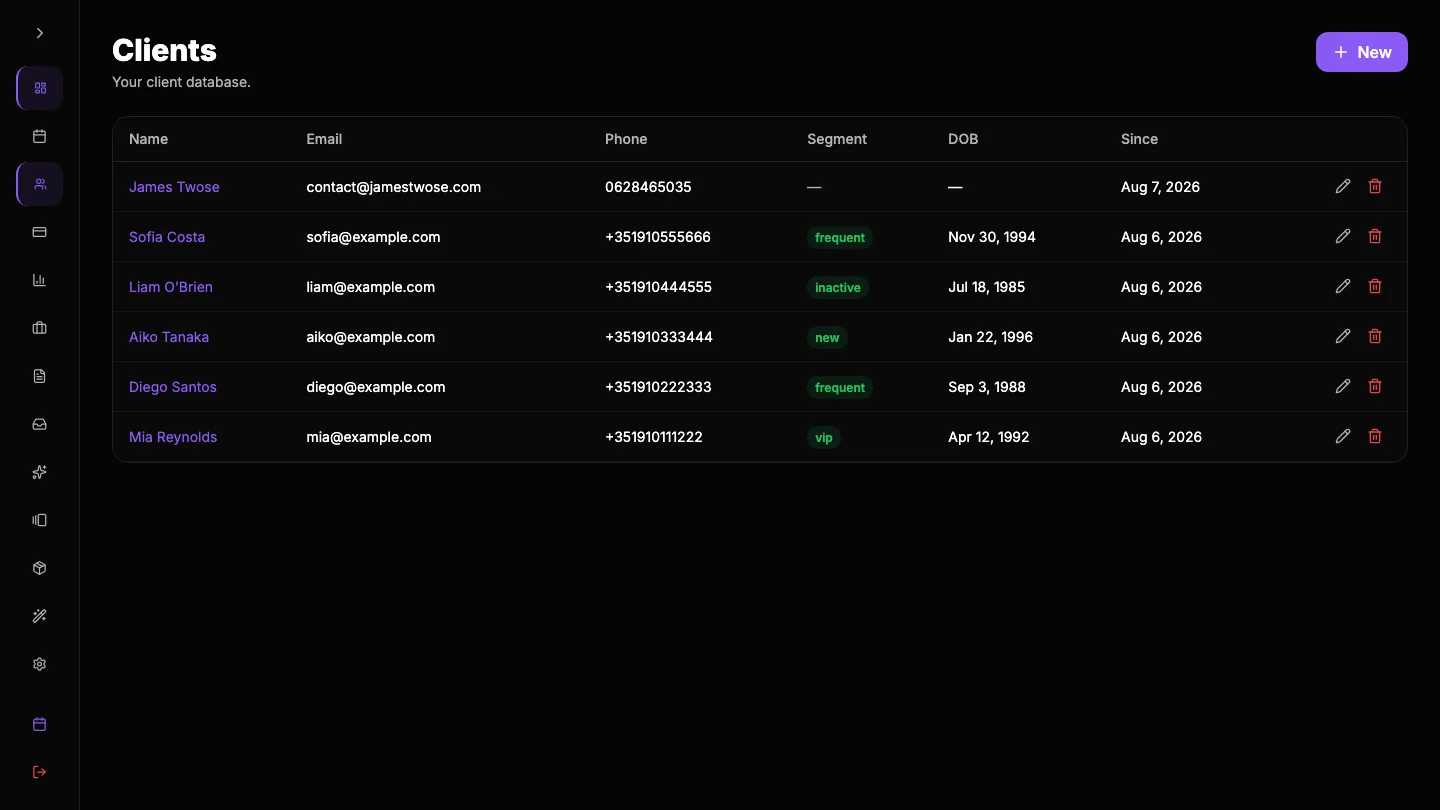
- Client 360 built for tattooing - every client gets one page: past pieces, session notes, references, aftercare, consent forms. Not just a booking record.
- Consent and intake forms as core - digital, signed before the session, stored against the appointment.
- Style-organised portfolio - gallery-grade galleries that double as your storefront and sell the next booking.
- Price - ROXO Hub runs ~$39.99/month. Inky is now free for artists: the client pays a 10% booking fee on the deposit, and Professional ($29/month) removes the fee entirely.
What are the disadvantages of ROXO Hub for tattoo artists?
Honestly, not many on paper - it's a credible, similarly-priced tattoo-first option. The differences are in depth and fit: if consent forms, a persistent client record and a portfolio that actively sells your work matter to how you run your business, that's where the two diverge.
Potential downsides of Inky
Inky is newer and tattoo-first, which is also its main limitation: it does not try to be a POS, a retail inventory system, or a multi-staff salon suite. If you run a large shop with a front desk, retail stock, and a dozen chairs, a broader platform may cover more ground. Inky is built for the artist who wants the boring stuff handled so they can get back to tattooing.
Which is better for freelance tattoo artists?
There's no universal winner - it depends on what you'd rather not deal with.
ROXO Hub may suit artists who want:
- You want a tattoo-specific tool with flat, no-commission pricing
- You prefer its booking workflow
- You're already embedded in its ecosystem
Inky may suit artists who want:
- A deeper client record with session history and aftercare
- Digital consent forms built in
- A style-organised portfolio that sells the next booking - on a free plan
For a freelance artist who'd rather tattoo than tend to software, Inky takes more of the business off your plate - booking, clients, deposits, portfolio and consent forms in one place, built around how tattooing actually works.